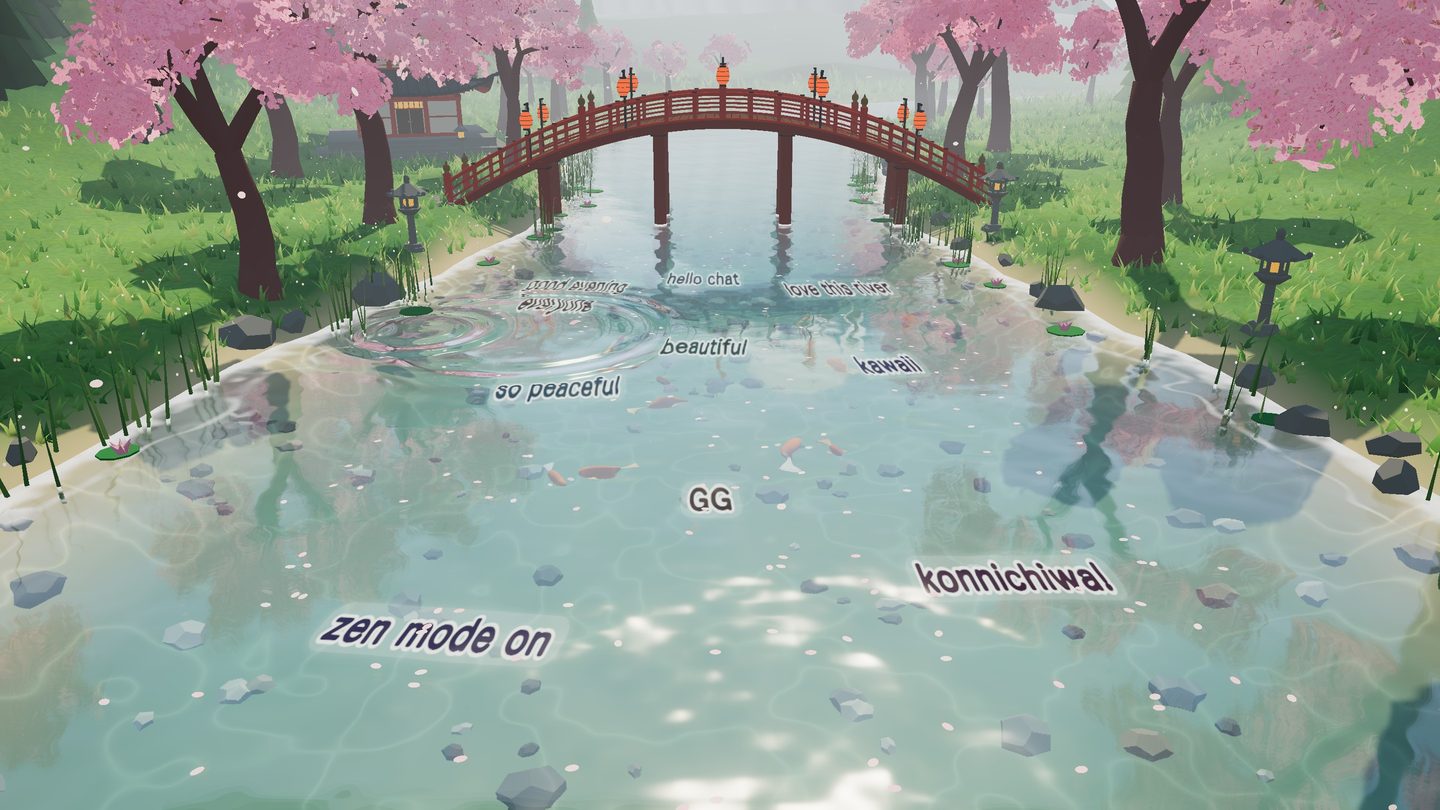
Messages under the water
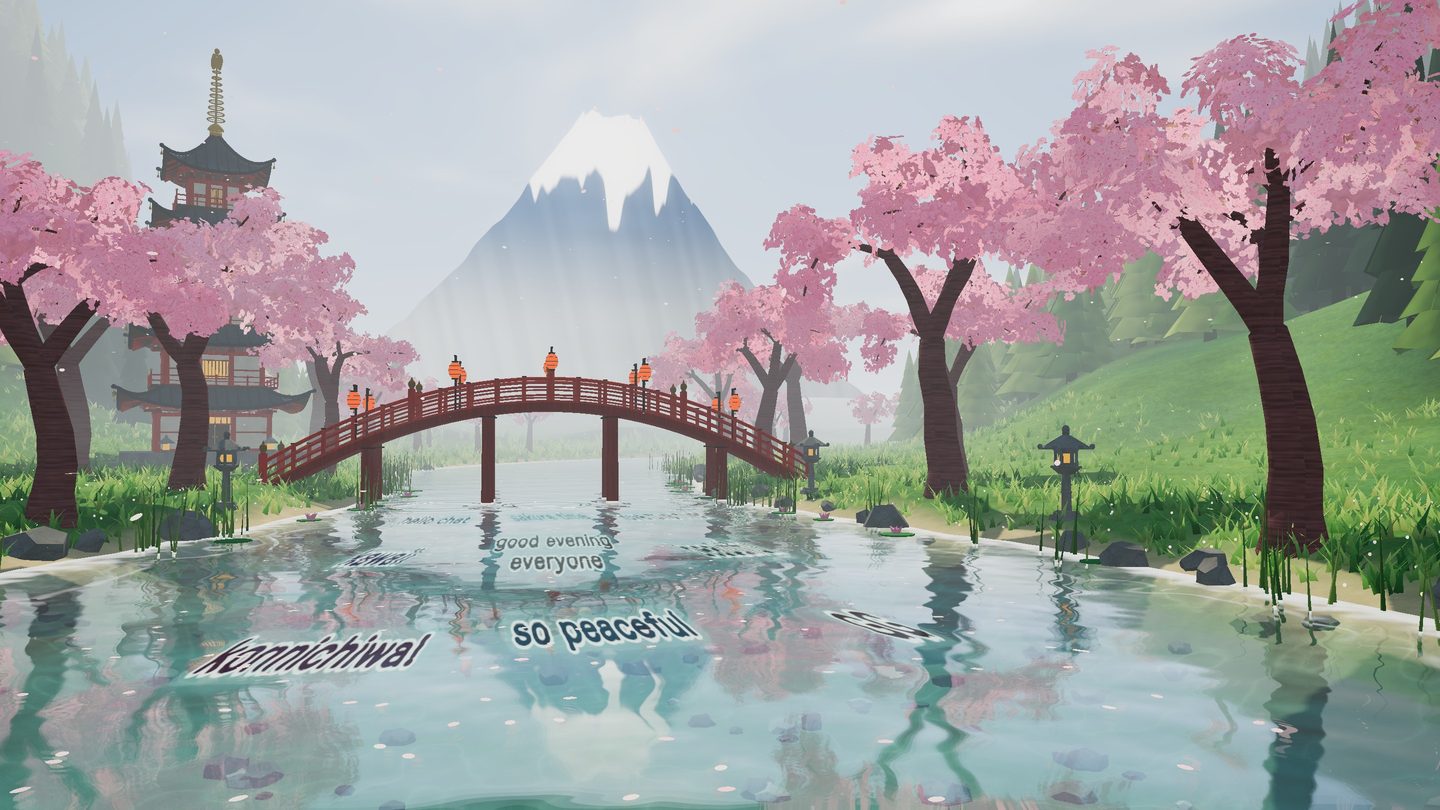
Each message becomes a line of text carried by the current. Messages push apart, turn like leaves and bend with the waves.
Sakura River is a living 3D scene for your stream. Every message your viewers send drifts under the water, past the bridge and the cherry trees — and chat can call the rain, the night and the fireworks.
One HTML file · no login · no server · no plugins
It sits behind your gameplay or your avatar like any other background — except that your community lives in it.
Each message becomes a line of text carried by the current. Messages push apart, turn like leaves and bend with the waves.
Emotes appear as pictures, animated ones included. Your channel's 7TV set loads by itself.
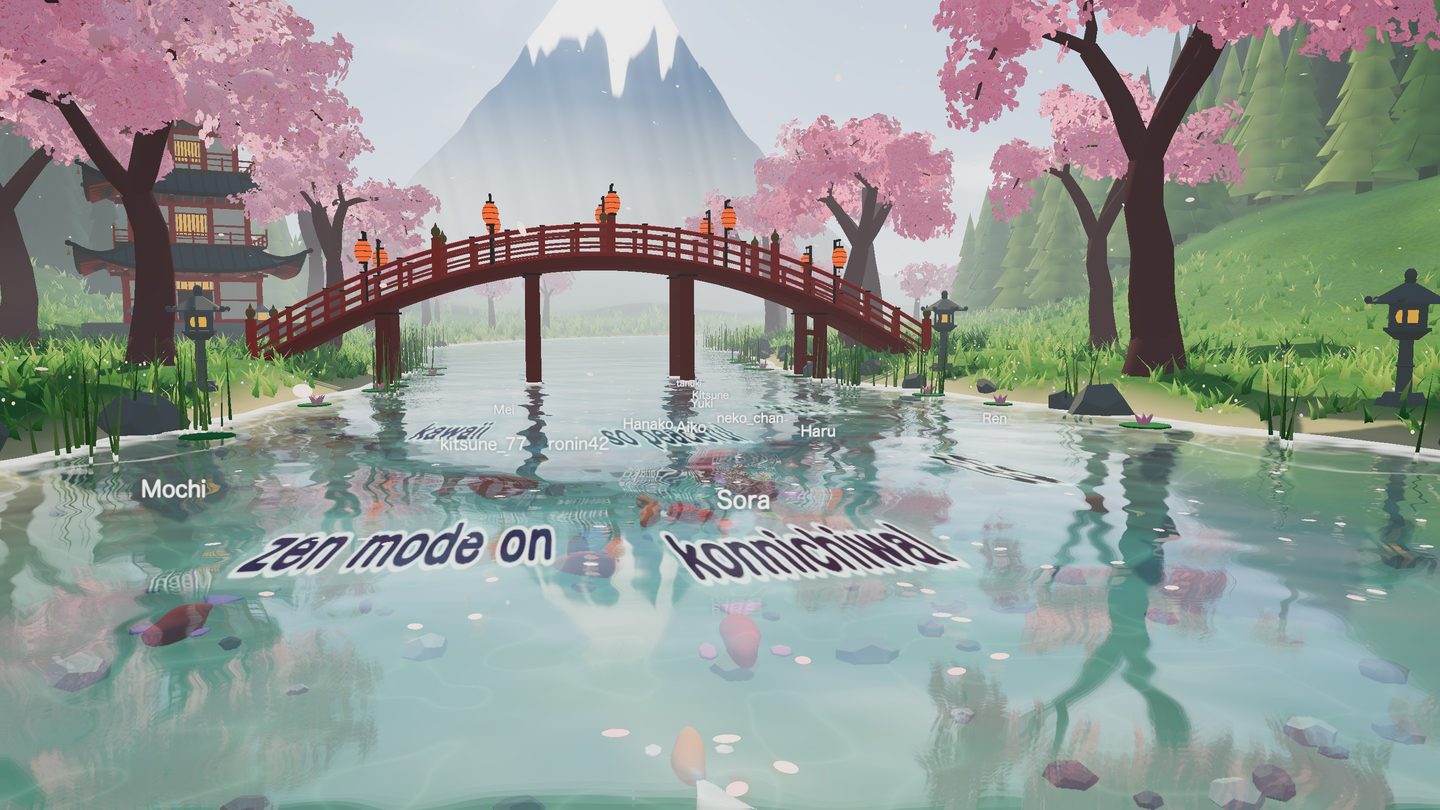
Switch it on and every chatter gets a koi in their name colour that swims closer whenever they write.
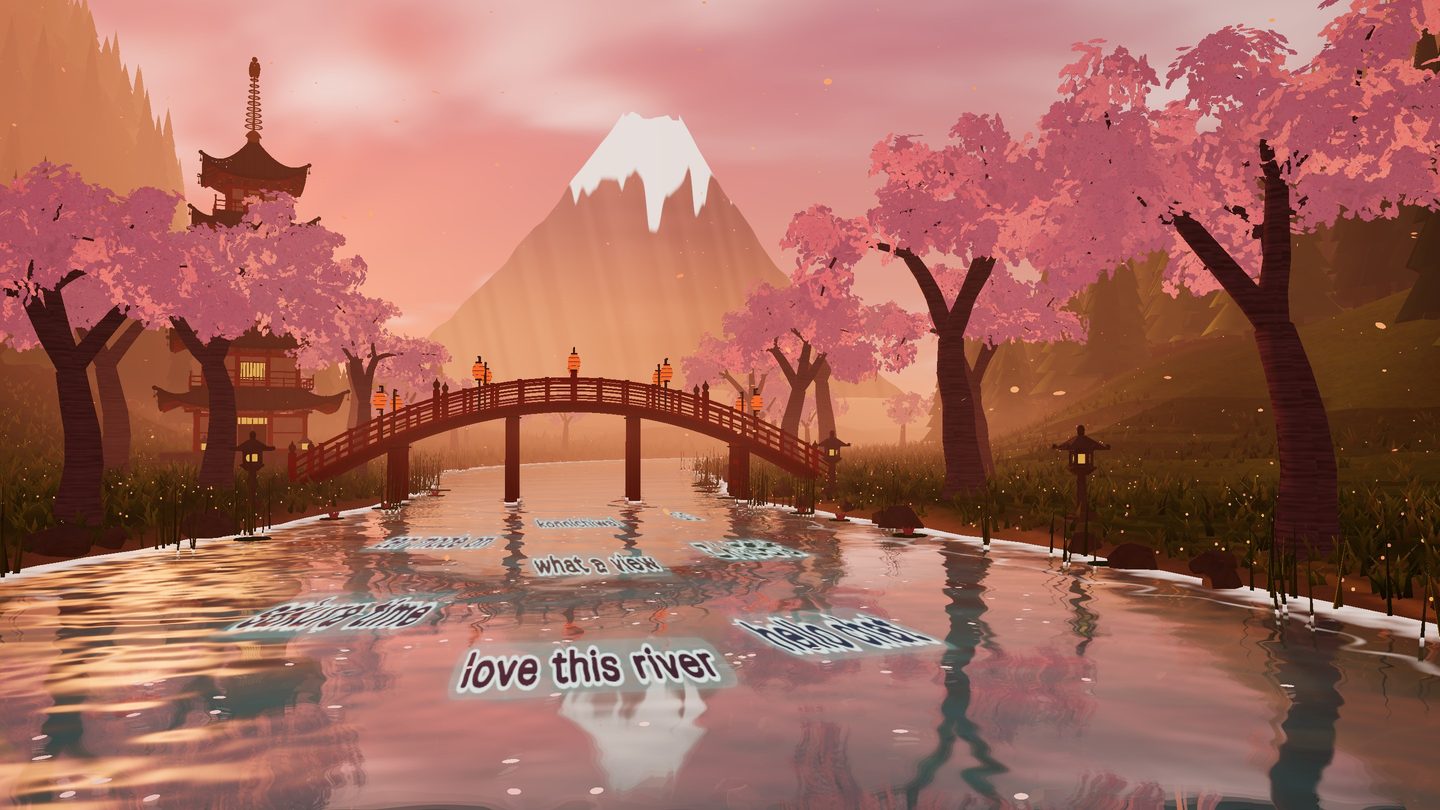
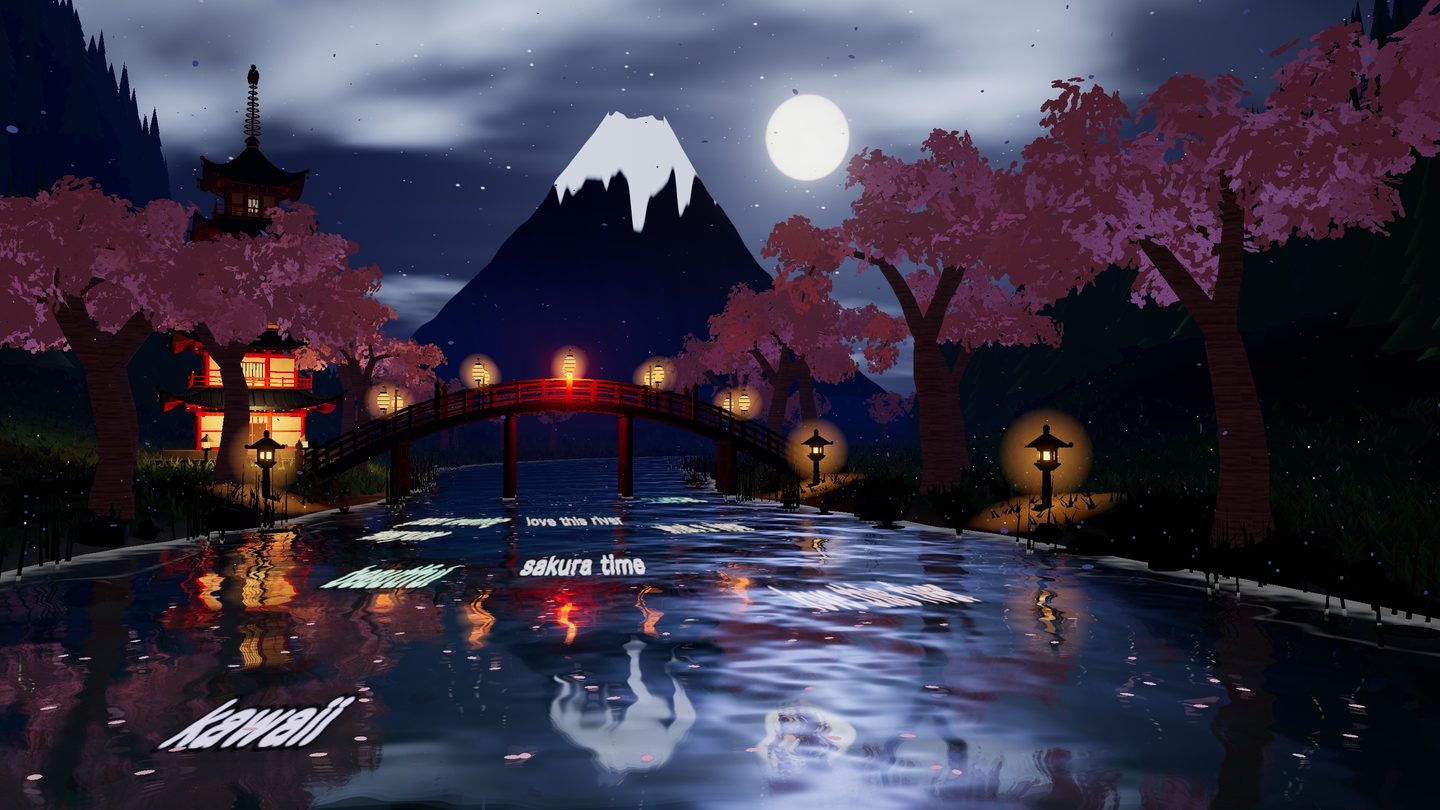
The sky travels through a full day in ten minutes — or stays at the hour you choose.
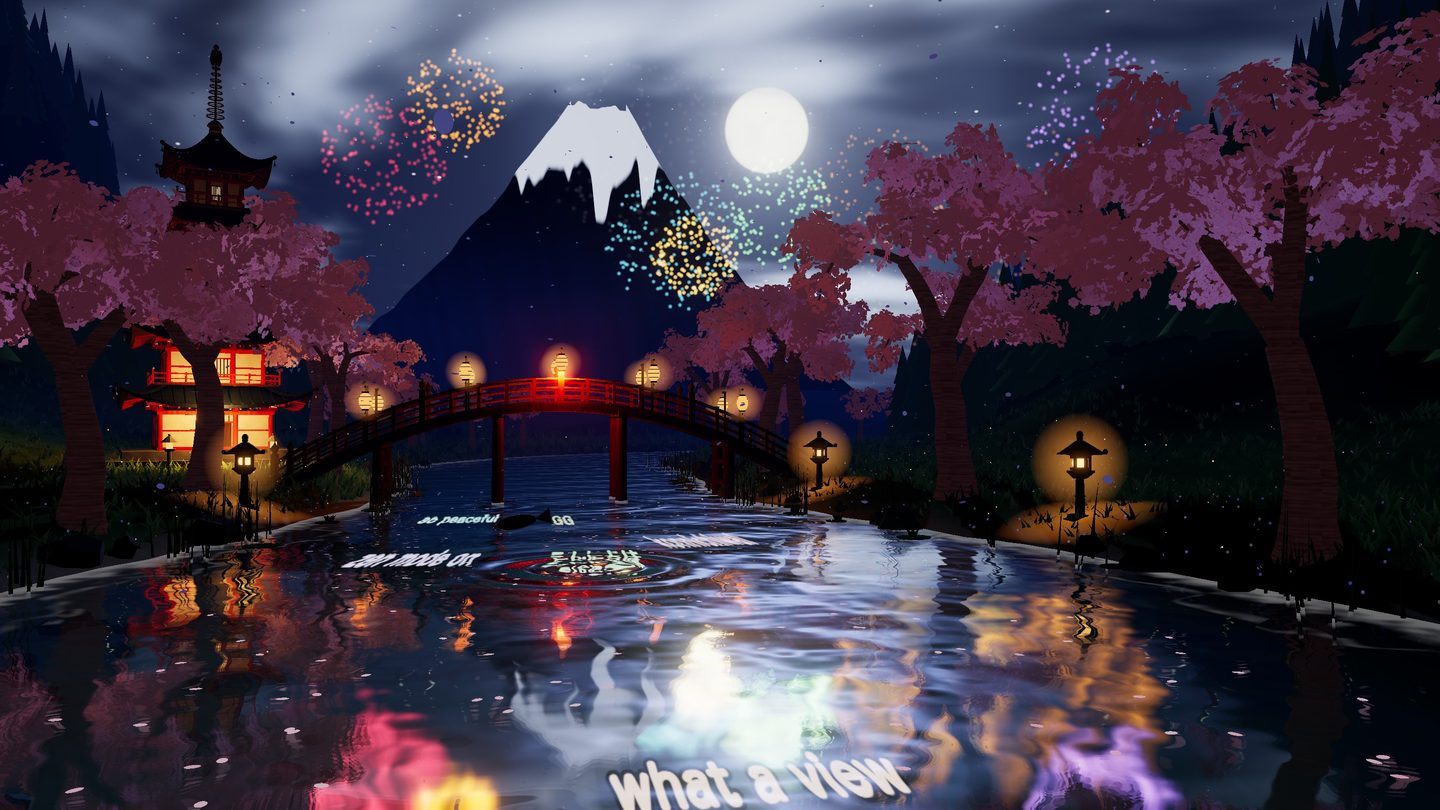
!sakura, !rain, !wind, !fireworks, !koi, !gong, !night… Viewers shape the scene together, with a shared cooldown.
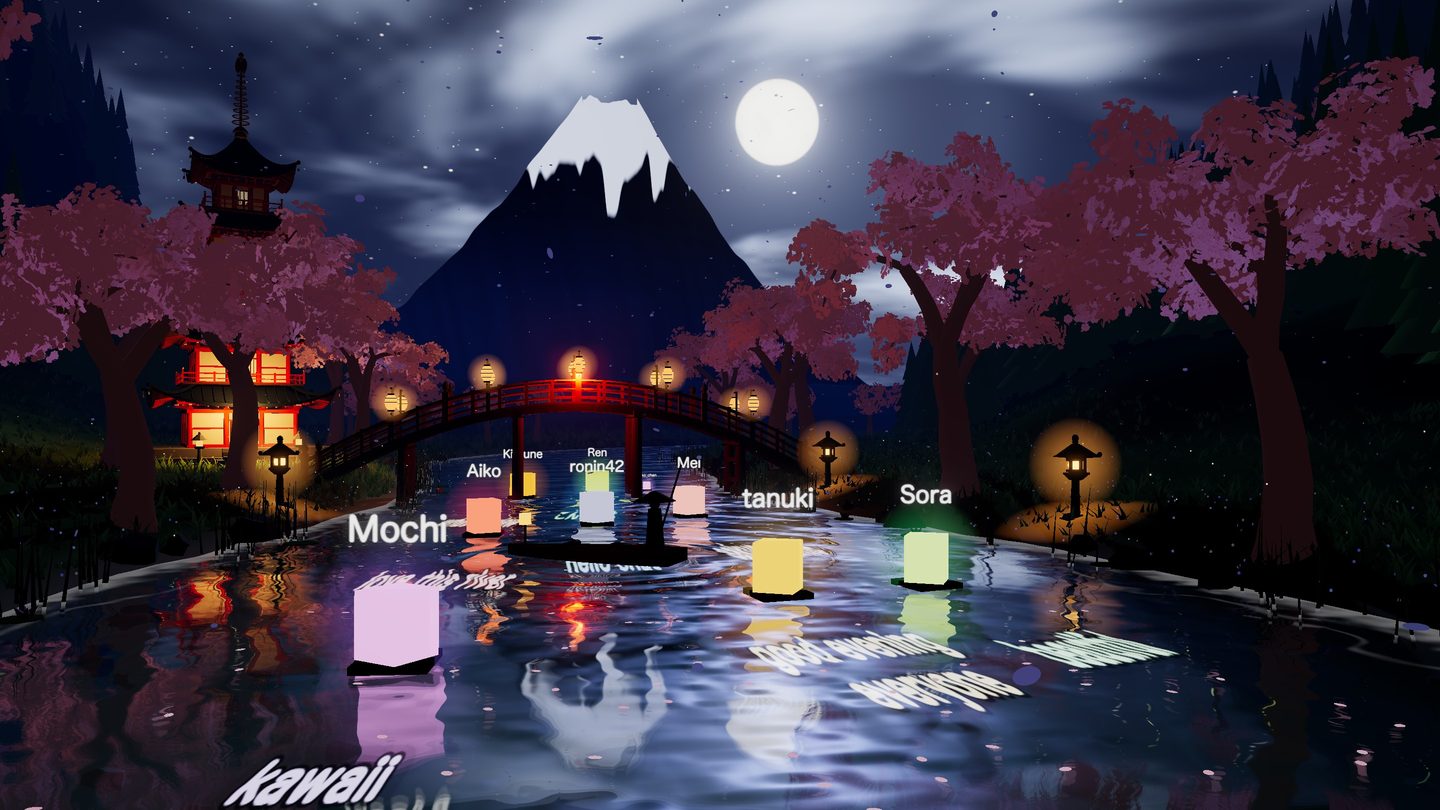
Add floating lanterns that carry messages, or a boat that chat steers with !left and !right.
These buttons drive the animation behind this page. It is a light sketch made for the website — the real scene is in the pictures and the trailer.
Change the camera with the arrow keys while you are live. The text on the water turns to face you, and the camera glides from place to place.
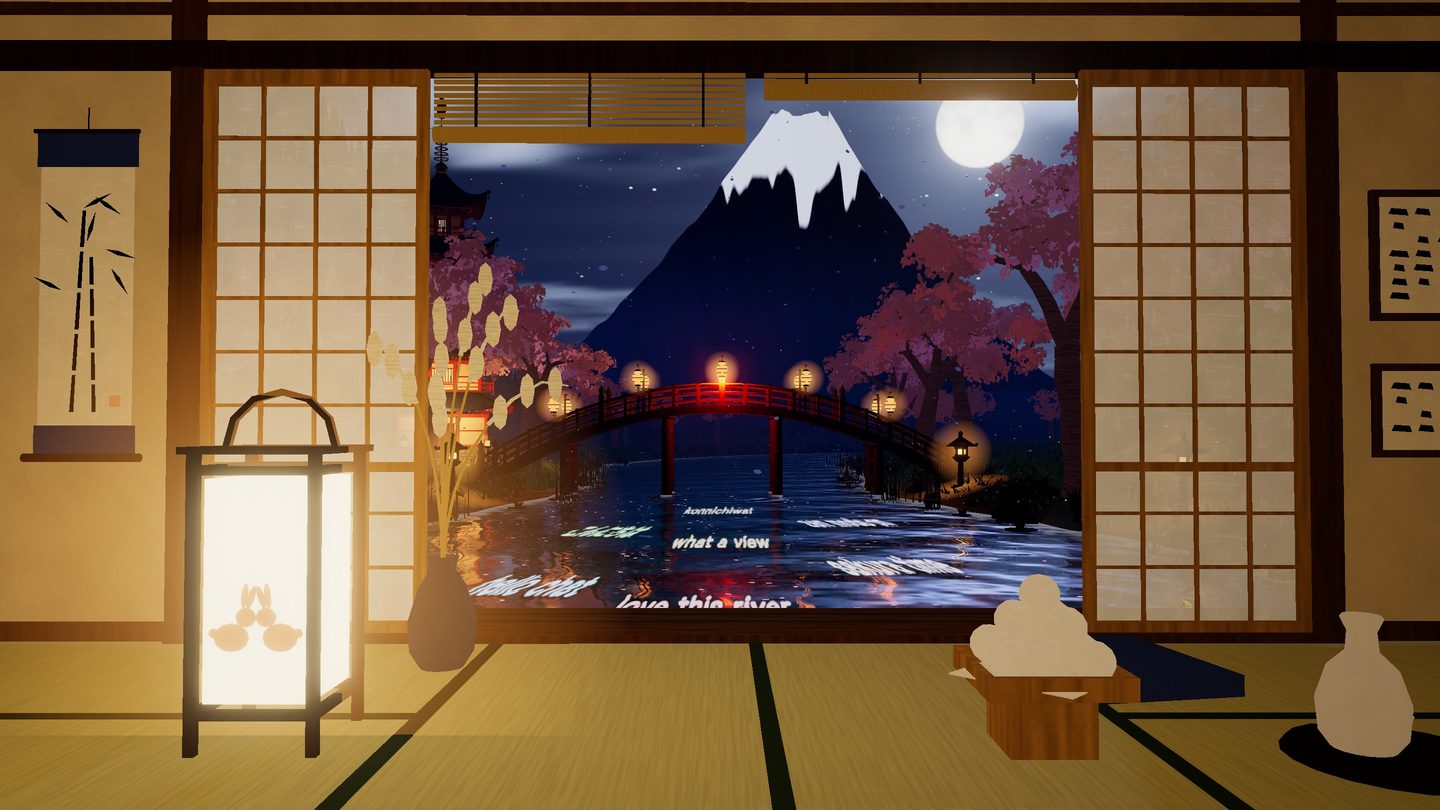
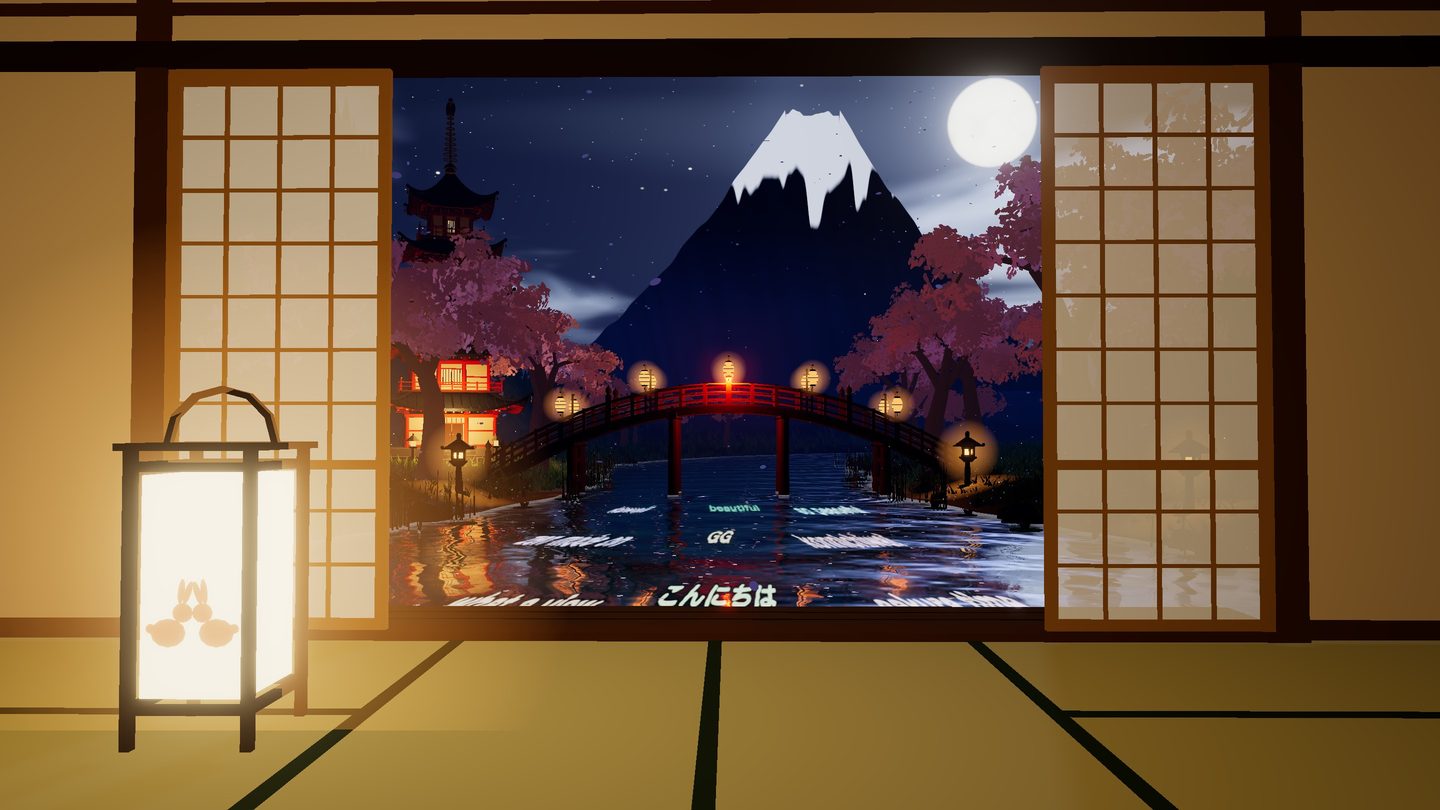
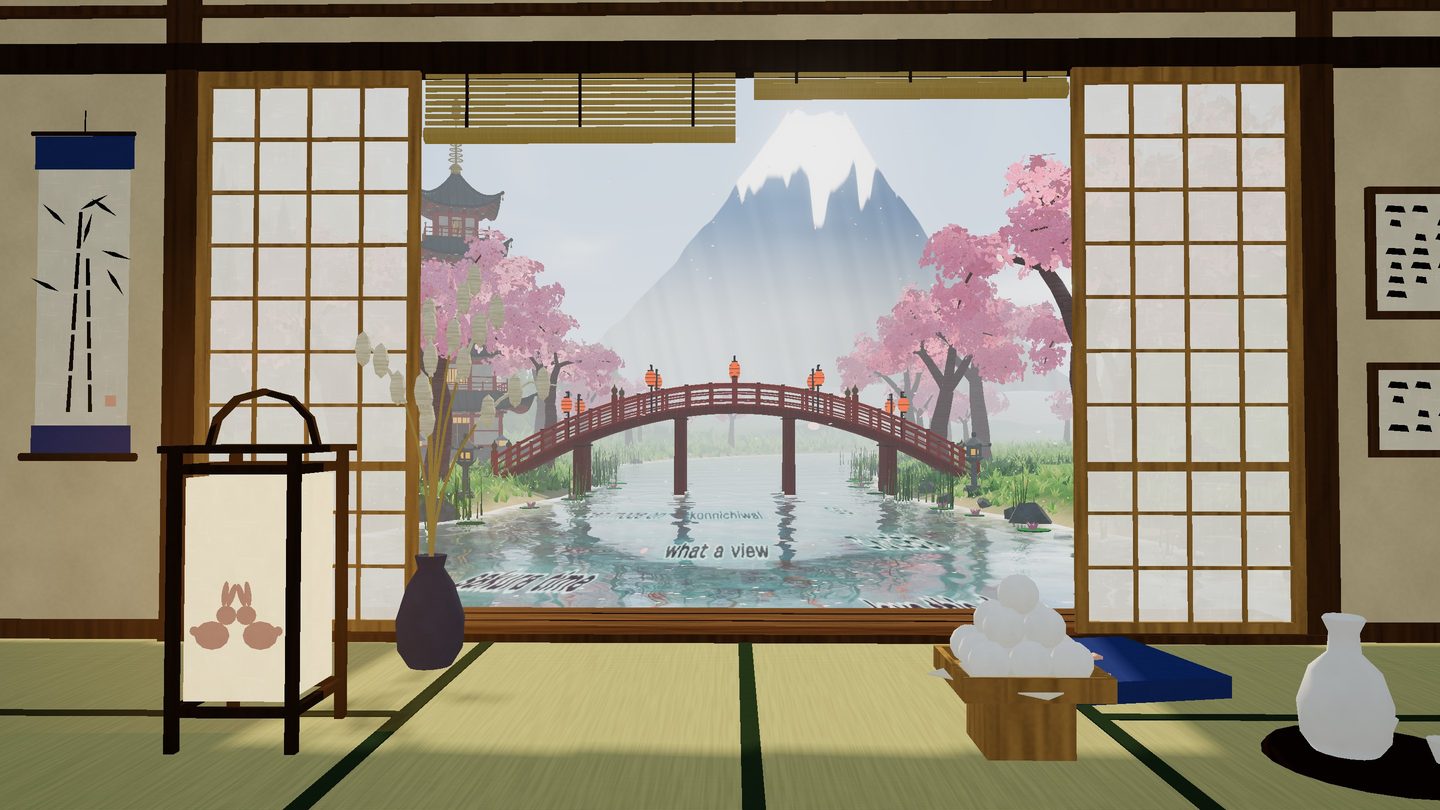
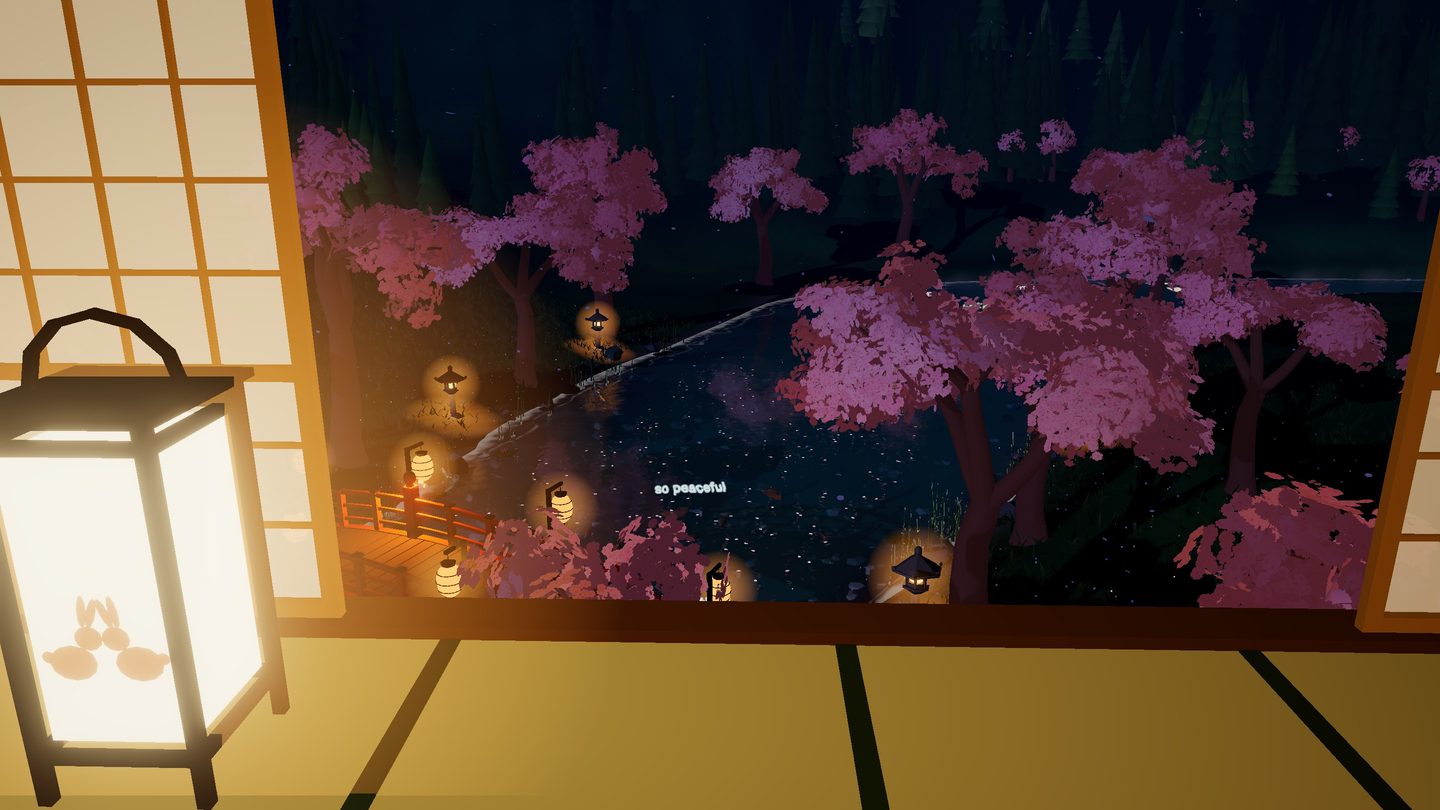
A tatami room with shōji screens, a paper lantern and the moon in the doorway — modelled in Blender and ready to stand behind your avatar. The middle of the frame stays free.
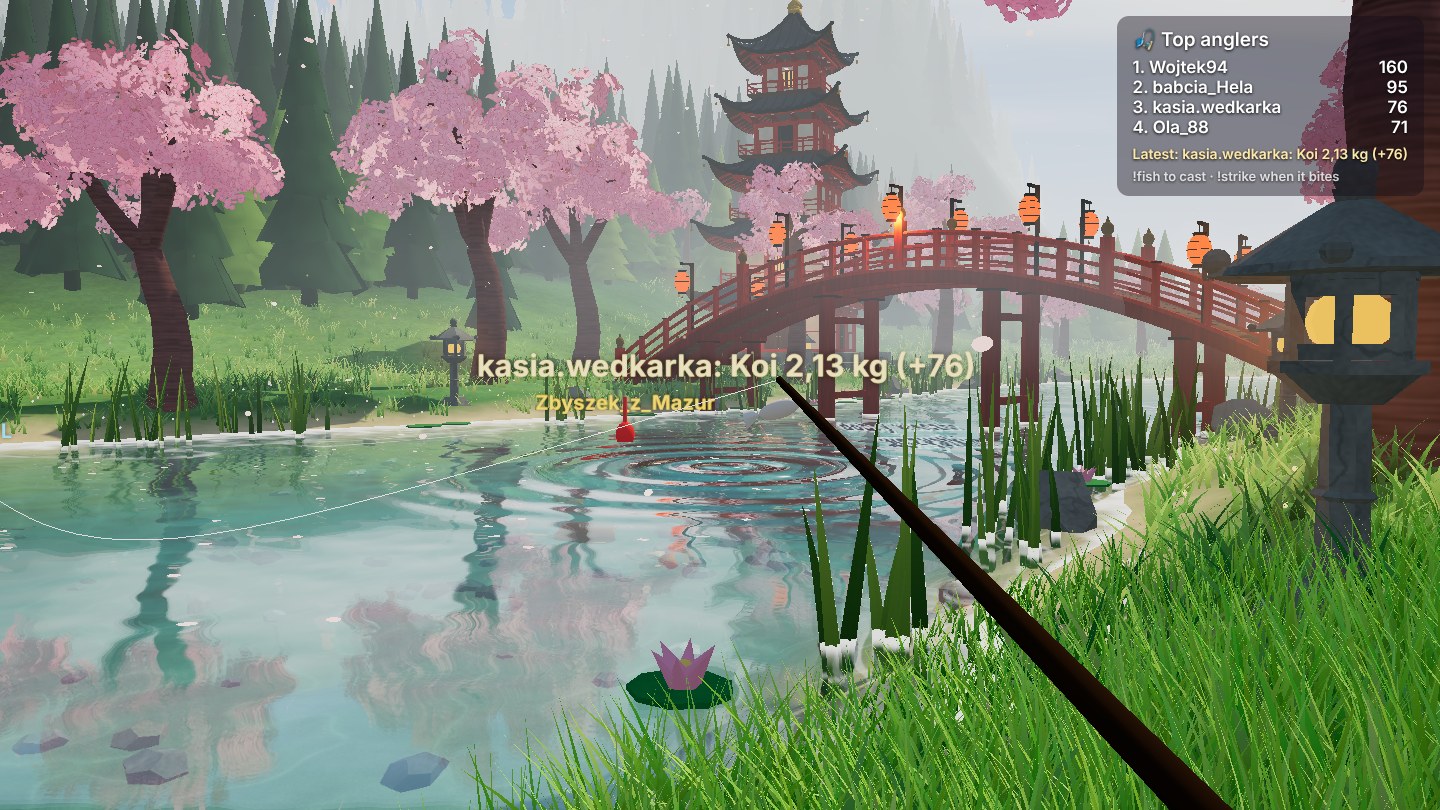
A new viewpoint: an angler on the bank with the rod in the corner of the frame. Viewers cast from chat, their bobbers land on the river with their names, and when the bobber dives they have a few seconds to strike.
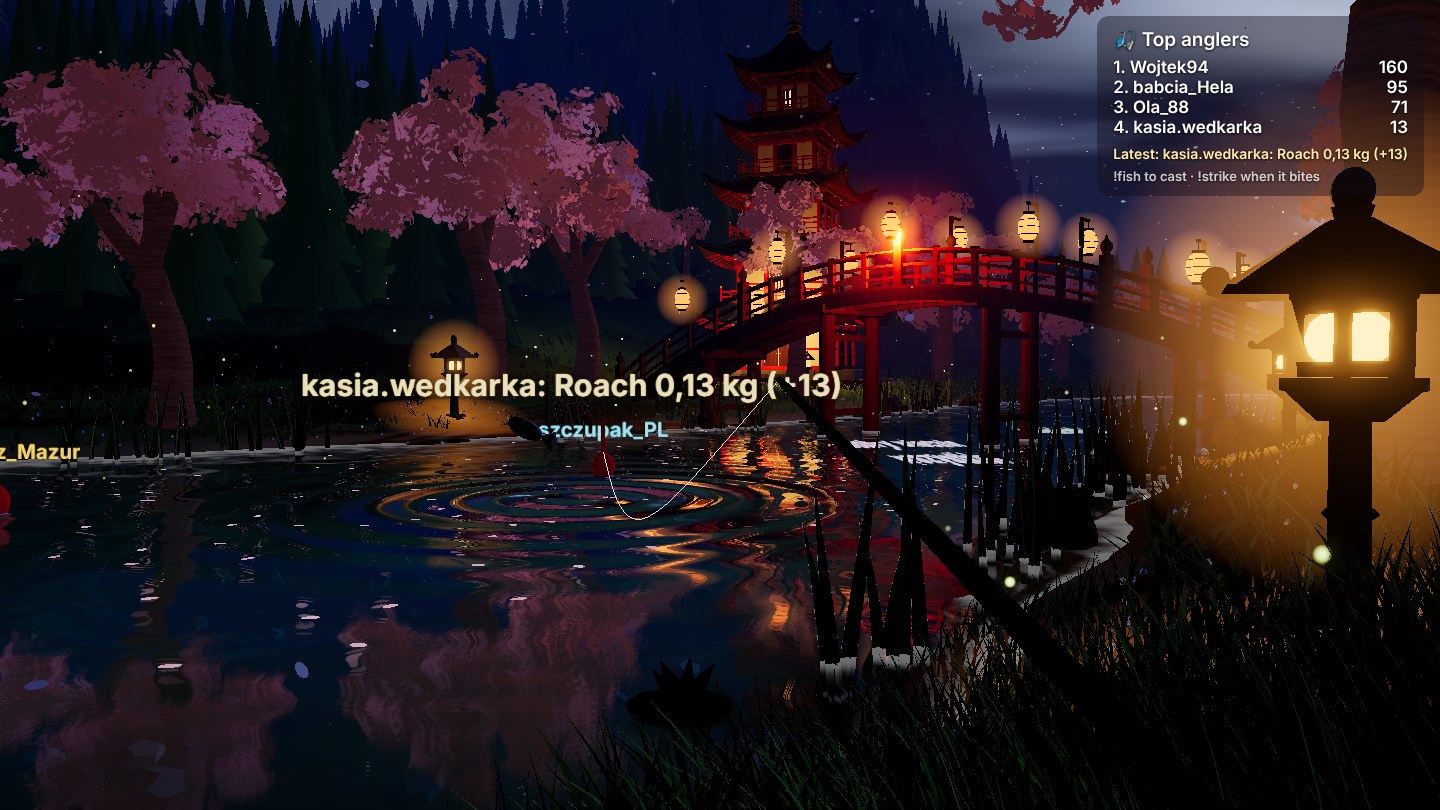
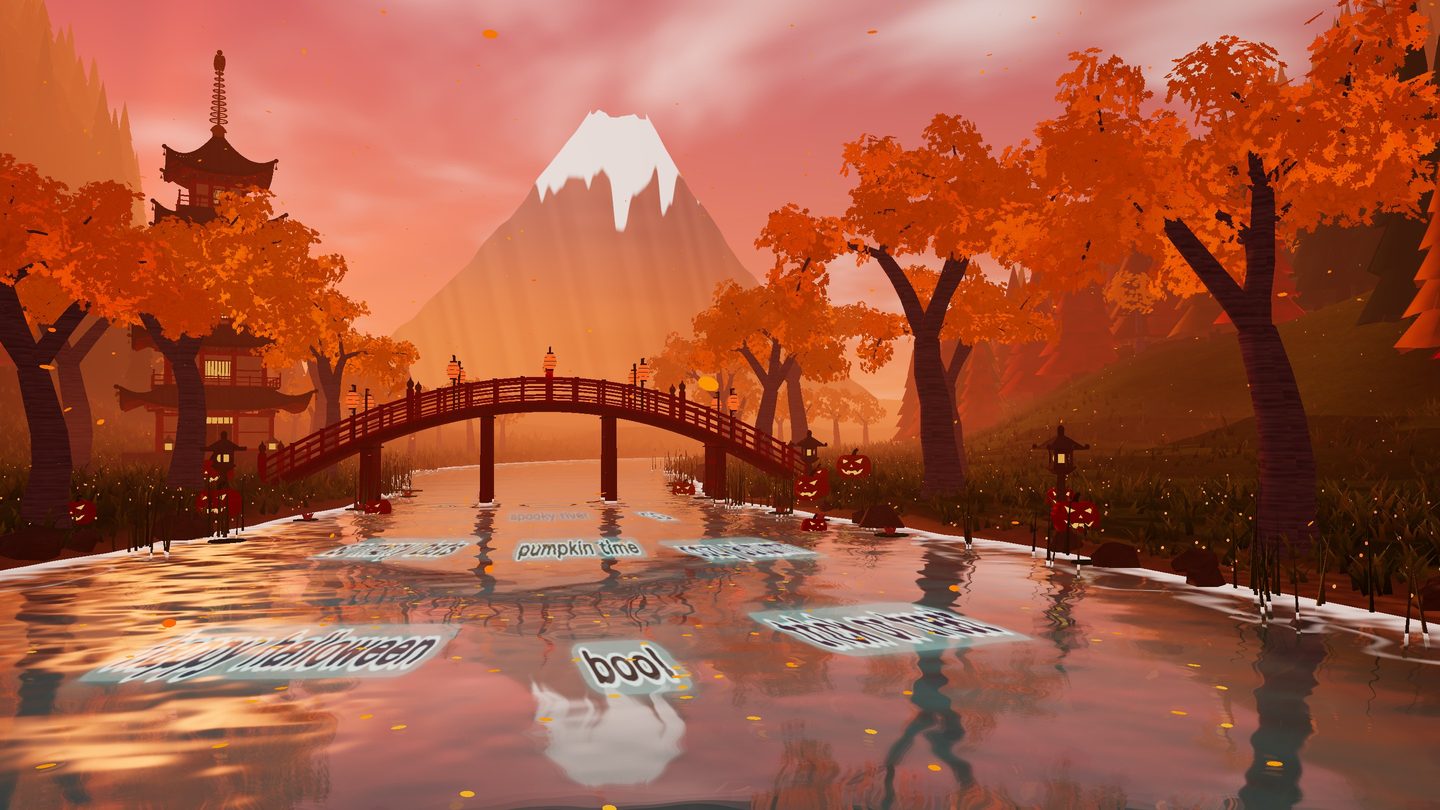
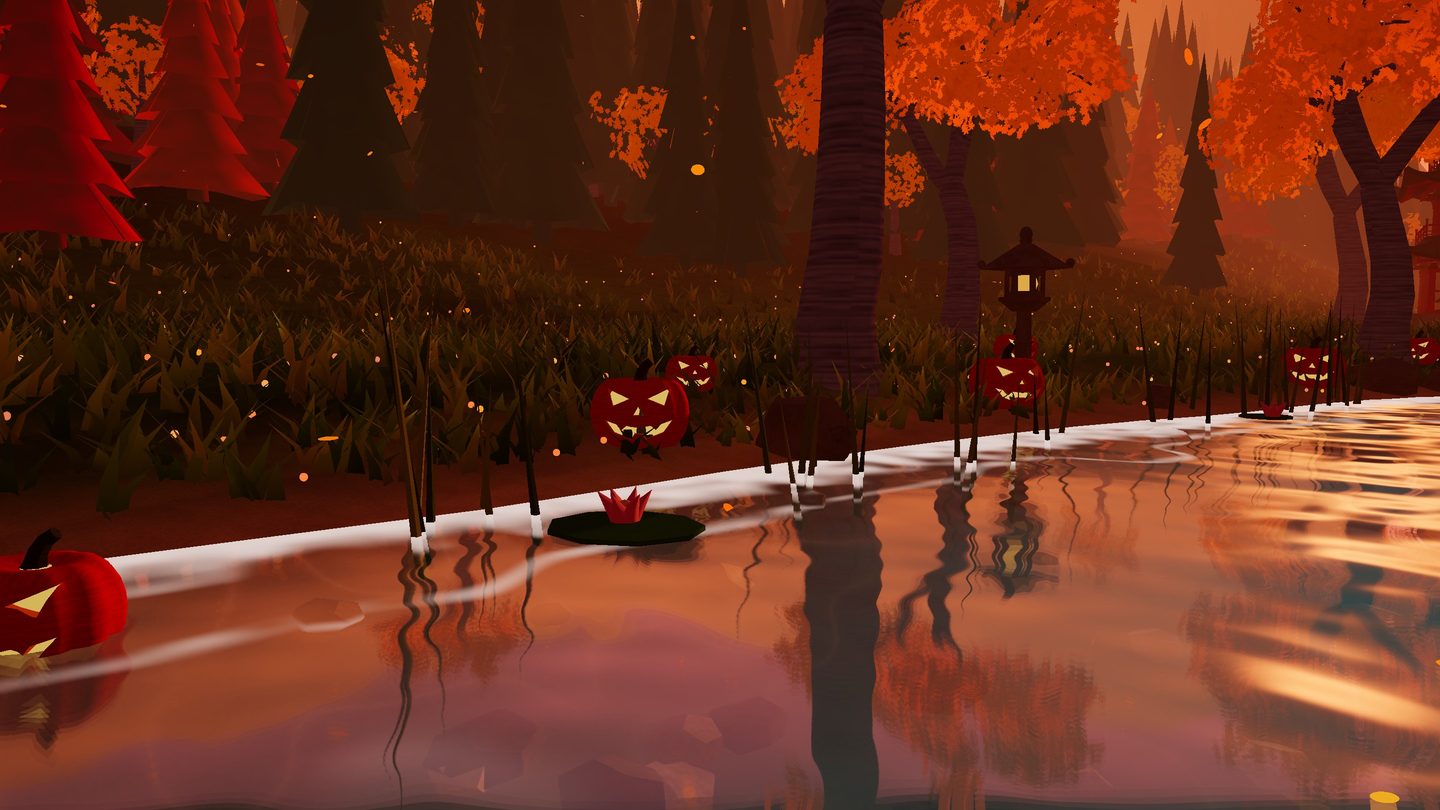
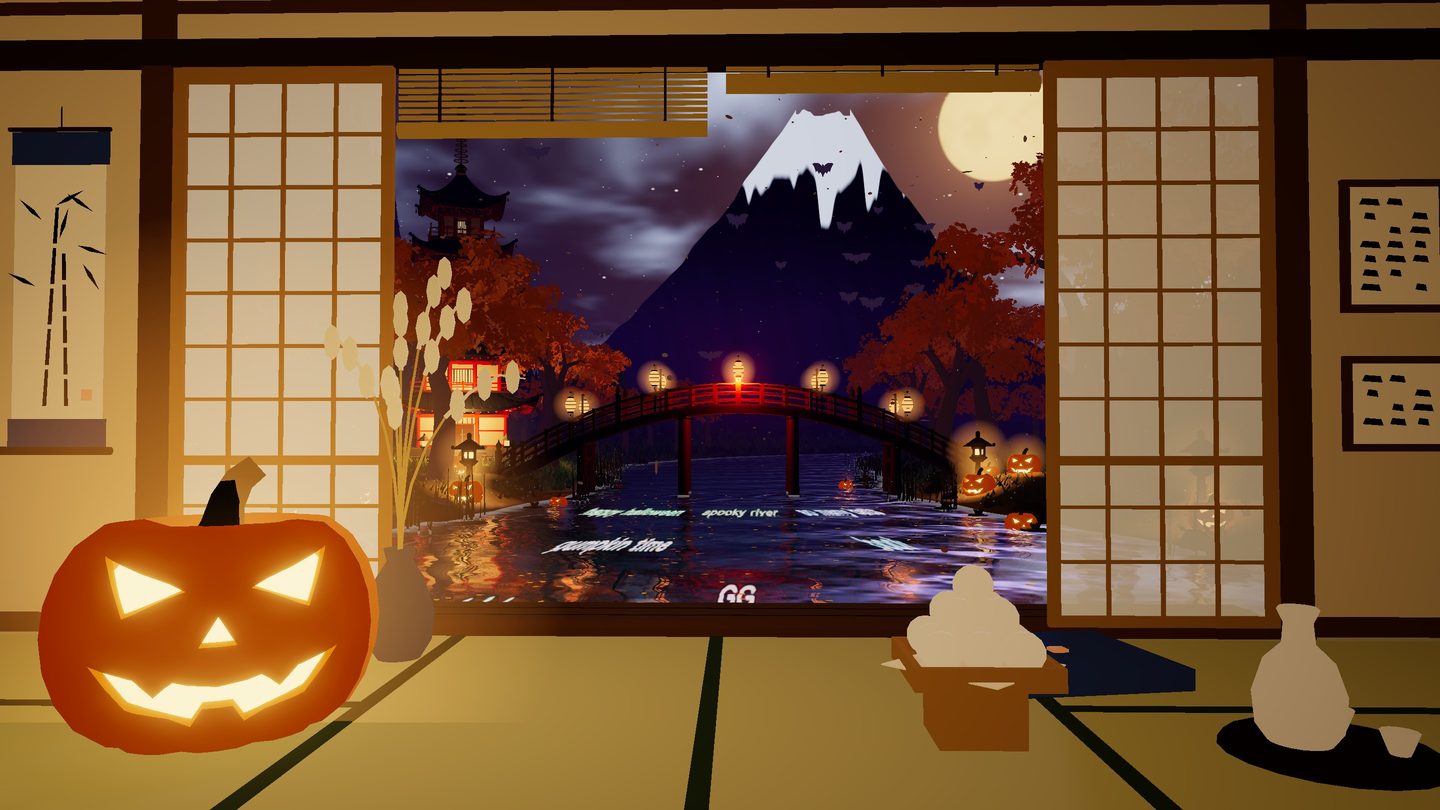
One word in the link turns spring into autumn.
One minute, recorded straight from the scene.
Everything is set through the link — no accounts to connect, nothing to install.
You get one folder: the scene, the 3D models and a guide in English and Polish.
In OBS, paste the link to the file and add your channel name at the end.
…/index.html?channel=yourchannelThe scene connects to your chat by itself, anonymously. No login and no token.
The full scene with every mode: chat on the river, emotes, viewer koi, lanterns, eight viewpoints, the room and Halloween.
Digital download. Payment and delivery are handled by Etsy.
No. The scene reads chat anonymously. You only type your channel name into the link.
Twitch emotes and your channel's 7TV set, animated ones too. BTTV and FrankerFaceZ are not supported.
It is a real 3D scene, so it uses the graphics card. On an Apple M5 a frame takes about 16 ms at 1080p; the economy mode roughly halves that. On an older computer start with the economy mode.
No. Commands share a cooldown and only change the weather, the time of day and effects. The camera and all settings are yours alone.
The chat connection is built for Twitch. The page offers a small script interface, so events from other platforms can be fed in with your own script.
Yes. Any Google Font or a font installed on your computer, plus letter spacing and size — all through the link.